
Search Appleton Residents Directory
Appleton Residents Directory searches work best when you start with the office that already holds the record. City records, police reports, public request forms, and Outagamie County files can each answer a different part of the search. Appleton sits in a county seat role, so a city question often leads to a county clerk, a register of deeds, or a court file after the first lookup. This page keeps those paths in one place so you can move from a name to the right office without guessing. Use the city tools first, then the county sources when the trail widens.
Appleton Residents Directory Sources
The most direct city source is the Appleton Police Department. The records desk handles police reports during weekday business hours at 920-832-5500. That matters when you need an accident report, an incident report, or a copy of a police file that is not in a general portal yet. The city also says email communications are subject to Wisconsin open records law, so the request process follows the state public records framework and not a private form system.
The Appleton City Clerk is another core stop. The clerk keeps official city records at 100 North Appleton Street, Appleton, WI 54911, and the office phone is (920) 832-6443. The city also provides a Public Records Request Form for requests that need to be routed to a city department or elected office. That form matters because Appleton notes that different departments hold different records. The mayor, clerk, assessor, attorney, finance, health, human resources, public works, community development, inspections, planning, and IT can all be custodians for records in their own lane.
County sources fill the rest of the picture. As the Outagamie County seat, Appleton residents also reach county vital records, court files, and property resources through Outagamie County. The county register of deeds is at 320 S. Walnut Street and can help with vital record requests, while the clerk of courts can handle case access questions at 920-832-5131. For statewide case checks, Wisconsin Circuit Court Access gives a first pass on court records. For the public records rule itself, Wis. Stat. sections 19.31 through 19.39 set the open records baseline.
Appleton Police Department records are a practical first stop in an Appleton Residents Directory search because they cover reports that often explain where a person, crash, or call is recorded.
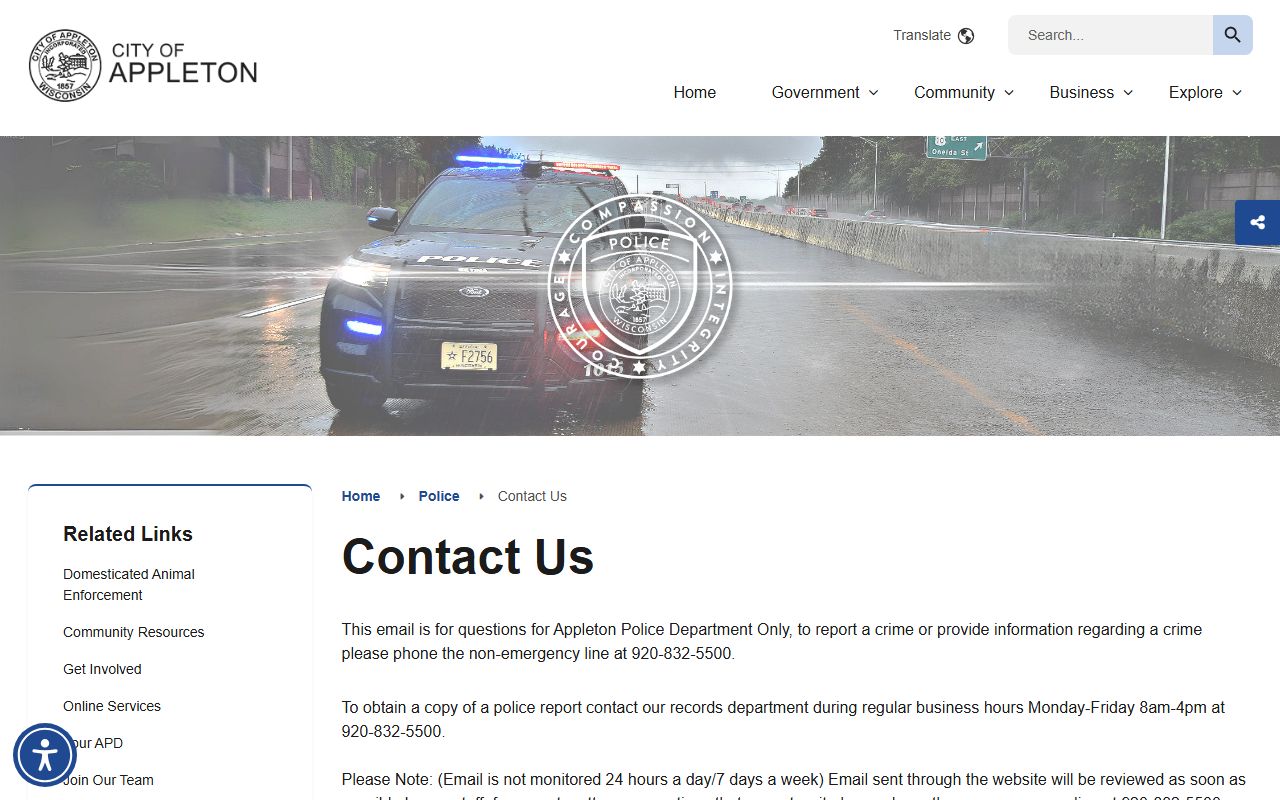
That office is useful when a search needs a report number, an incident date, or a crash record tied to a city address.
Appleton city offices are the next step when a records trail moves from police work into clerk-held files or department records.
The city page is the place to start when you need a record that does not belong in the police desk.
How to Search Appleton Residents Directory
Start with the record type you need. Police reports go to the records department. City board or clerk materials go to the clerk. County court or vital records go to Outagamie County. That simple split keeps an Appleton Residents Directory search from turning into a long chain of wrong offices. It also helps when you only know a street, a date, or a department name but not the exact file title.
Appleton says police records requests are handled during Monday through Friday business hours, 8 a.m. to 4 p.m. Standard reports are available by phone, and the city also accepts written or email-based requests subject to open records law. A separate audio and video request process applies to body camera, dash camera, and audio records. That distinction matters because it keeps a request from being routed as a normal paper file when it needs the special release path instead.
For county-level context, Outagamie County gives Appleton residents access to records beyond the city line. The county home page, clerk of courts, and register of deeds can help you verify property, family, or court details. If you are not sure whether the file belongs to the city or the county, start with WCCA and the city clerk page, then move to the county office with the best match.
Use the state search tools when the local search stalls. WCCA can show a case trail quickly, and the Wisconsin public records law gives you the legal frame that shapes a request. If you need a copy rather than a reference, the county or city office is still the final stop.
Appleton Residents Directory Records
Appleton police records can include reports, accident files, arrests, booking materials, photos, audio, and video. The expanded research notes that audio and video requests must use the separate request form tied to 2023 Wisconsin Act 253. That is useful for an Appleton Residents Directory search because it tells you not to treat every record as the same kind of request. A simple report and a redacted video file follow different paths.
The city also notes that fingerprinting is available for certain needs, including licensing, volunteer work, immigration, and firearm-related requests. That service is not a public record by itself, but it shows how the police department functions as a records and verification office as well as a law enforcement desk. Juvenile information remains confidential, so some requests will come back with redactions or limits.
Appleton municipal services also help show the city structure behind the records system. The fire department, parks, library, and other offices sit under the same municipal umbrella. That matters because a city record search is often about finding the right custodian, not just the right page. If the request belongs to a department, Appleton says that department is responsible for records under its purview.
Appleton Residents Directory Images
This image links to Appleton Police Department contact and records, which is the first city stop for many report requests.
Use it when a search needs a report, a crash file, or the records desk phone number.
This image links to Appleton city government, where clerk and department records begin to split by office.
It is a good visual cue for records that sit with the clerk instead of the police desk.
Appleton Records Search Notes
Appleton works best as a layered search. City records point to city offices. County records point to county offices. State tools fill in the legal and case index layer. When you keep those roles separate, the search is cleaner and the result is easier to verify. The city has enough official routes to get you started, but the county still matters for property, vital, and court matters tied to Appleton residents.
A good Appleton Residents Directory search does not depend on one portal. It uses the police records desk for reports, the city clerk for city files, the county for court and vital context, and WCCA for the statewide case index. That mix is what makes the directory useful. It keeps the search anchored in official records instead of broad web results.