
Search Janesville Residents Directory
Janesville Residents Directory searches often begin with the police department because the city uses separate request portals for police and other city records. That makes the city easy to start with, but the county still matters when the search shifts into court, vital, or property work. Janesville is the Rock County seat, so the city record trail and the county record trail meet fast. This page keeps those routes separate so you can start in the right place and keep moving without a long string of redirects or guesswork.
Janesville Residents Directory Sources
The strongest city source is the Janesville Police Department records portal. The police department uses NextRequest for open records requests, and the research says the portal is available twenty-four hours a day. That is useful when you need a report, an accident file, a body camera request, or an incident record and do not want to wait for office hours just to submit the request. The department also accepts email and mail requests, which gives you a fallback if the portal is not enough.
The city also uses a separate Janesville City Clerk open records portal for non-police records. That split is important. It tells you that the city does not push everything through one desk. The Janesville City Clerk keeps official city records at 18 N. Jackson Street, and the city clerk phone number is (608) 755-3070. That office matters when the request is about city business rather than police work.
County sources complete the trail. As the Rock County seat, Janesville residents also rely on Rock County for court, vital, and property records. The research points to the county register of deeds, the clerk of courts, the sheriff office, and the county tax search portal as important local tools. For court status or case indexing, WCCA is still the statewide starting point. For the public records rule, Wisconsin open records law remains the legal frame behind the request.
The city setup is a real advantage, but it also means you have to pick the right portal first. The police portal is for law enforcement files. The clerk portal is for city business files. The county layer is for the rest. Janesville works best when those lanes stay separate from the start.
Janesville police records are the first stop for many Janesville Residents Directory searches because the city uses a dedicated portal for law enforcement files.
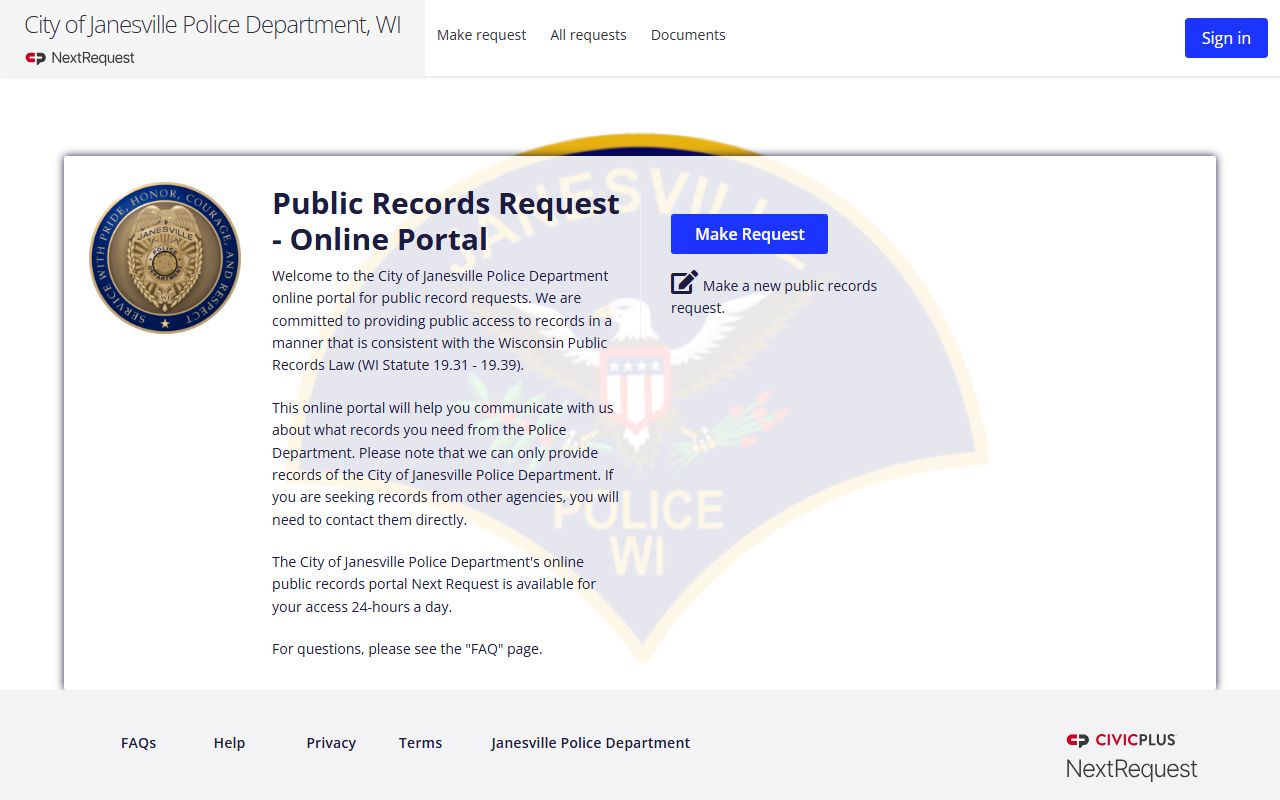
That portal is the cleanest route for police reports and related files.
Janesville city records use a separate portal for clerk-side requests and city business.
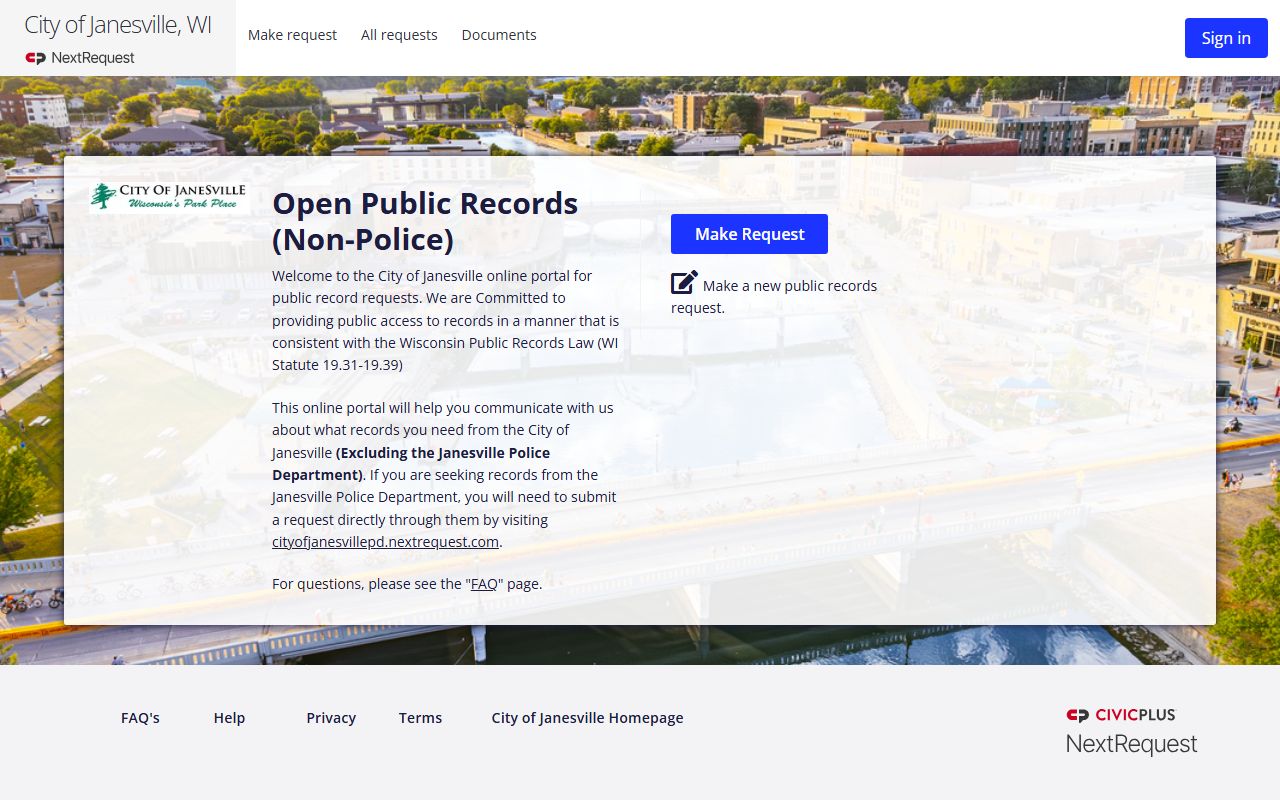
Use it when the record is municipal but not a police file.
How to Search Janesville Residents Directory
Start by asking whether the file belongs to police or city hall. If it is a police report, use the police portal. If it is a city record, use the city clerk portal. If it is a court, vital, or property record, move to Rock County. That sequence keeps a Janesville Residents Directory search focused and avoids filing the same request twice.
The police research notes that requests can also be sent by email or mail. It lists a records bureau with a phone number and a regular weekday schedule. The department also warns that video requests can take time because of redaction and volume. That means the fastest route is often a clear portal request with the date, address, or incident details already in hand. The city clerk portal works the same way. The more exact the request, the faster the response.
For county work, Rock County adds the court and property side. The county register of deeds and clerk of courts sit in Janesville and provide local access to records that a city office cannot. If the city portal points you to a county office, that is normal. It does not mean the search failed. It means the record lives in a different custodial layer.
WCCA remains the broader case index for checking court activity, while the state records law and open government sources help when you need to understand what should be released. That combination is the safest way to move from a city request to the right county file.
If you know the report number, use it. If you do not, use the date and the address. If the request is for video, expect extra redaction time. The records trail in Janesville is clear, but it rewards exact details more than broad language.
Janesville Residents Directory Records
Janesville police records include incident reports, accident reports, arrest reports, body camera footage, dash camera footage, photos, audio, and police reports. The research also says payment can be by check, cash, or credit card in person, and that requests can close if payment does not arrive in time. Those details matter because they affect how fast a Janesville Residents Directory request turns into a copy.
The Rock County sheriff office adds another file set with its own contact numbers for traffic accidents, citations, incident or arrest reports, and jail records. That is useful when the city record is not enough on its own. The county also notes that 911 audio must be requested from the Rock County 911 Communications Center, not the sheriff office. That kind of detail is exactly why a local directory page is better than a broad search engine result.
The city clerk and county clerk fill the rest of the picture. A city record can tell you who handled a local matter. A county record can show where the final file was filed or stored. If you are building a resident trail for Janesville, use both levels. The city gives the first clue. The county gives the file.
The expanded research shows just how much the records desk matters. The police section has a full staff, set business hours, and a hard payment window once the invoice goes out. Video requests can be delayed by redaction, and the amount can be substantial. That means a good Janesville Residents Directory request is short, exact, and ready to be processed without follow-up guesses.
Rock County works the same way. Different record types land with different county desks. Traffic accidents, citations, incident and arrest reports, and jail records do not all sit in one place. If the city record points to the county, follow the trail and keep the request tied to the file type you actually need.
Janesville Residents Directory Images
This image links to Janesville Police Department records, the city’s main request portal for police files.
It is the first stop when a report or incident file is the goal.
This image links to Janesville city records, the separate portal for non-police requests.
It fits the clerk side of a city records search.
Janesville Search Notes
Janesville works best when the city and county pieces are treated as separate records lanes. The police portal handles law enforcement files. The city clerk portal handles other city records. Rock County handles the broader court, deed, and county record work. That split is the reason a Janesville Residents Directory page is useful. It turns a mixed city and county search into a clear sequence.
Once you know where the record lives, the rest is mostly request format and timing. That is the practical part of directory work. It gets you from a name to the office that can actually hand over the file.
Janesville also shows why a directory page should keep the source office visible. The city portals are easy to find, but the county record trail still matters when a case, deed, or certificate is the real target. When you keep those layers distinct, the search is faster and the result is easier to trust.